Test cases from BPMN 2.0 diagrams
A business process drawn in BPMN 2.0 already describes what the application should do. Testosaur includes a BPMN editor based on Camunda's bpmn-js and turns the paths of a diagram into test cases.
Why test from a process diagram
- Every path through a gateway is a separate case, so it is easy to see which paths have no test.
- Analysts, testers and developers look at the same picture.
- When the process changes, the diagram shows which test cases to update.
BPMN elements and what they mean for tests
| Symbol | Element | Meaning for tests |
|---|---|---|
 | Start event | where the process begins, the starting point of a test case |
 | Task | one action of the user or the system, usually one or more test steps |
 | Manual task | an action done by a person outside the system |
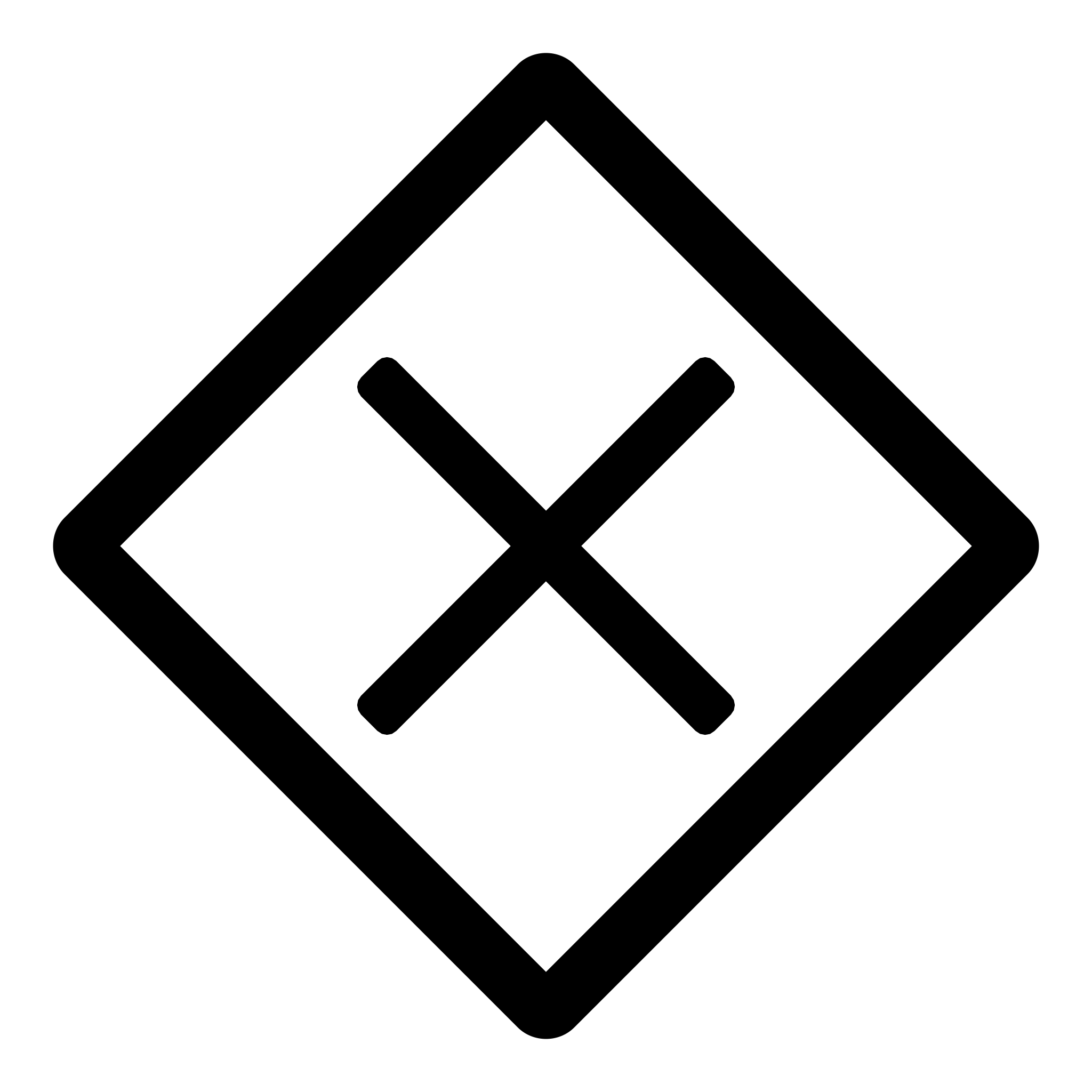 | Exclusive gateway | a decision: exactly one path is taken, so each path needs its own test case |
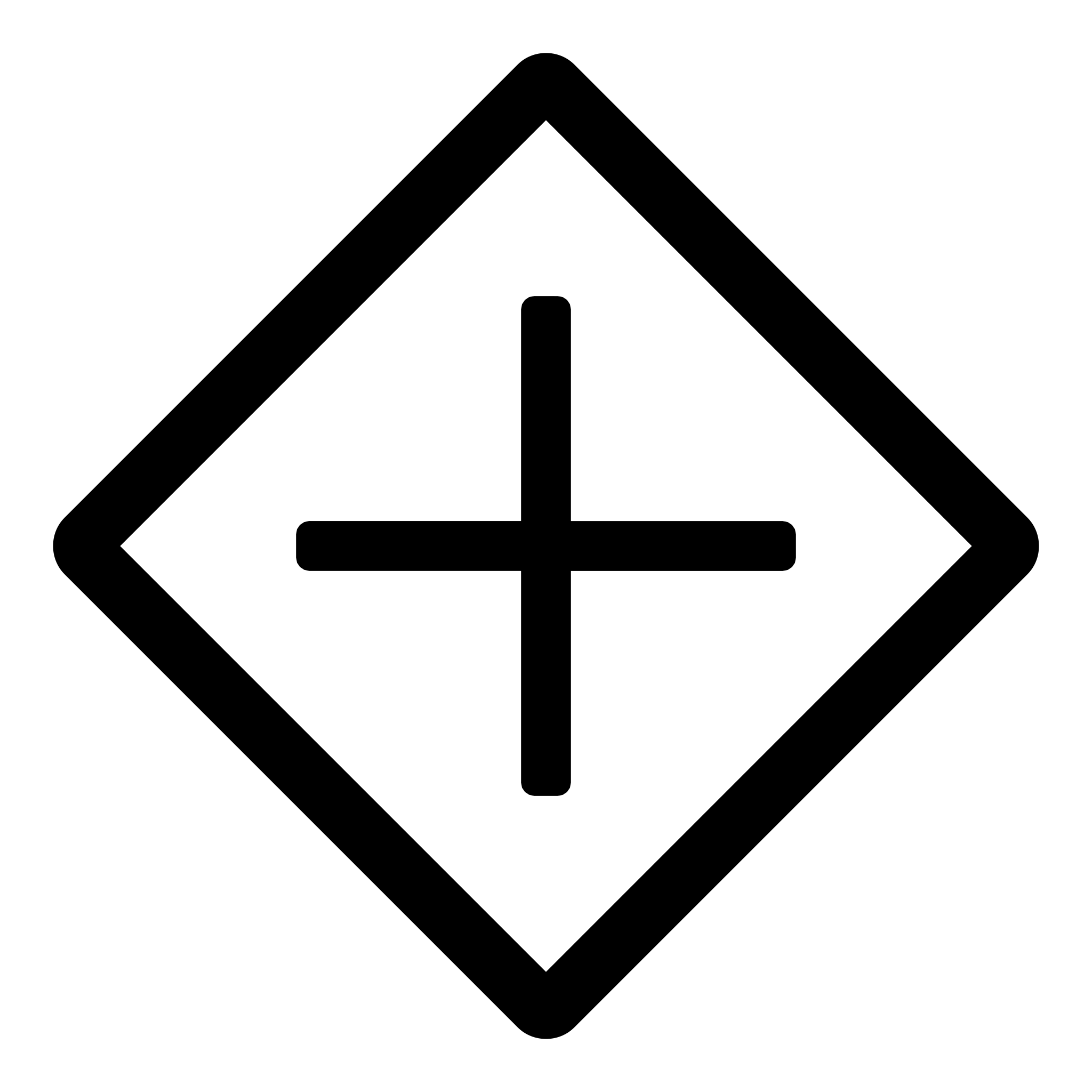 | Parallel gateway | paths that run at the same time and join later |
 | End event | where the process ends, the expected result |
 | Error end event | the process ends with an error, a negative test case |
How it works in Testosaur
- Open a scenario and add a BPMN diagram: draw it in the editor or upload a .bpmn file from another tool.
- Testosaur finds the paths from the start event to each end event.
- Create test cases from the paths and refine their steps and expected results.
- Add the scenario to a test plan; the diagram stays with the scenario as documentation.
Read more about test scenarios and test cases.
Try Testosaur on your own project.
Start free